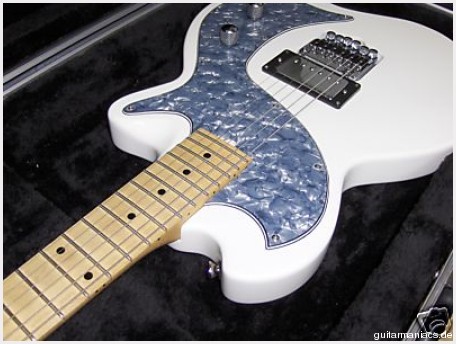
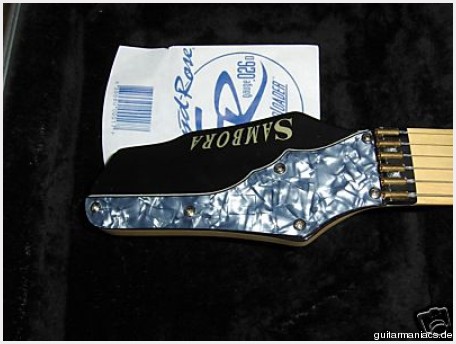
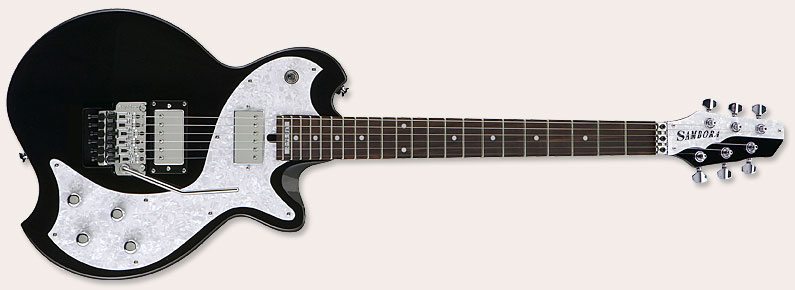
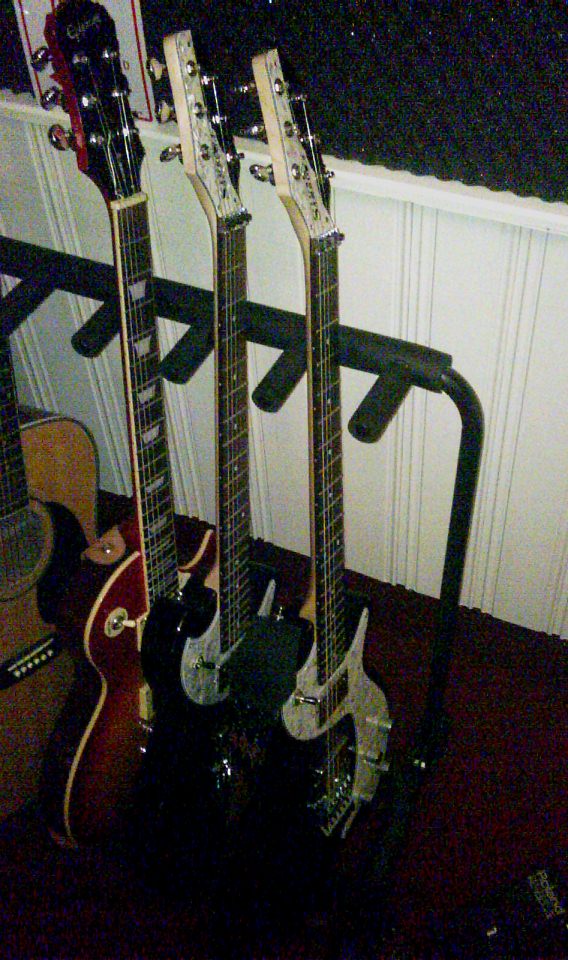
As you were able to read, I have purchased another LTD-SA-2 guitar. Knowing thie guitar very well, I also know the flaws of the guitar. It plays really well, with the unfinished neck, the great Floyd Rose tremolo with top-locks… However, after my first purchase, I noticed something really weird. The pick-ups are microphonic.

What does this mean? Basically, the pick-ups generate a load of feedback to the amplifier, more that normal. Now, I do realize that every guitar generates some feedback, more or less. However, the SA-2, in bridge position, unleashed hell when I switched to distorition…. again. See this post.
The SA-2 is equipped with two ESP LH-100 pick-ups.
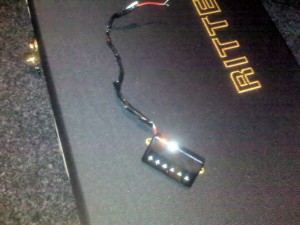
The removed LH-100
This picture I took after removing the pickups in the first SA-2 . Basically, the LH-100 pick-ups are consideren to be ok and provide a more vintage sound. In principle, the bridge pick-up sounded ok… ALthough I was not a hundered procent impressed. But hey… first things first… The pickup is microphonic, so much that if you would talk to the pick-up up close, you would be able to hear yourself through the guitar amp. Eat that.
Now, a friend of mine, also a great bass player, mentioned to me that wax-potting would be a possible solution for this issue. Bear in mind though that high quality winds are less microphonic without wax than pickups of lesser quality are with wax or epoxy. So all in all, I am not too impressed with the LH-100’s.
In principle, this is what wax-potting is all about:
“The term “potting” refers to the sealing of the coils in a solid material. Potting stabilizes the components of the pickup so that they cannot move relative to each other. This elminates vibration-induced signals that make a pickup microphonic. Potting can also protect the inner coil from corrosion. The technique described here is not just potting, but also “coil immersion.” Coil immersion is allowing a solid (wax) to be absorbed into the coil. Wax is used
because it works well, is inexpensive, and it makes it possible to work on the pickup later. A correctly potted pickup coil will have the wax absorbed throughout the coil as well as the surrounding parts such as magnets,
polepieces, and metal covers. This eliminates movement of parts inside the pickup.” – Potting Pickups to reduce microphonic noise – by John Thornburg and John Atchley.
This means, I had to remove both humbuckers from the body…. again. I have been through this process a number of times, so here I go again.
I used the following:
- one small philips screw driver
- one 25 Watt soldering iron
So, after removing the humbuckers, I marked them.. or better, the one with the blue wire was the bridge pickup, the one with the red wire was the neck pickup. If this would not be the case, it would have been a good idea to mark the pickups with a marker, before continuing. Now I had one challenge, which was taking of the cover. I have seen articles on the web where the cover was removed before wax potting the pickups. The challenge was that the cover was soldered to the plate. Now, keep in mind that the cover absorbes a lot of hear, so I was unable to de-solder the cover with my 25 Watt iron. Later I tried a 150 watt version. But I realized that this might damage the inside of the pickups, I seized this operation.
Also when you read John’s article correctly, you read that it is not necassary to actually remove this cover.
Now, the following YouTube movie shows a good way to approach wax potting:
The outcome of the wax-potting was interesting. After I reinstated the pickups into the SA-2, I hooked the guitar up to my Sessionett and my Roland GP-16. I switched the effect to distortion, like I did before. The feedback was gone and I could not “talk through the pick-up” anymore. So, that was a good sign.
I did notice however, that the sound became a bit less clear and crispy, and emphasizes more on the lower notes, e.g. more vintage. I set the pickups a bit higher to get more output.
All in all, this is a pretty good deal in stead of buying new pickups. Now, I still need to test the guitar on my Marshall stack. I will update you on this once I have more info.